From one tap to a finished case file.
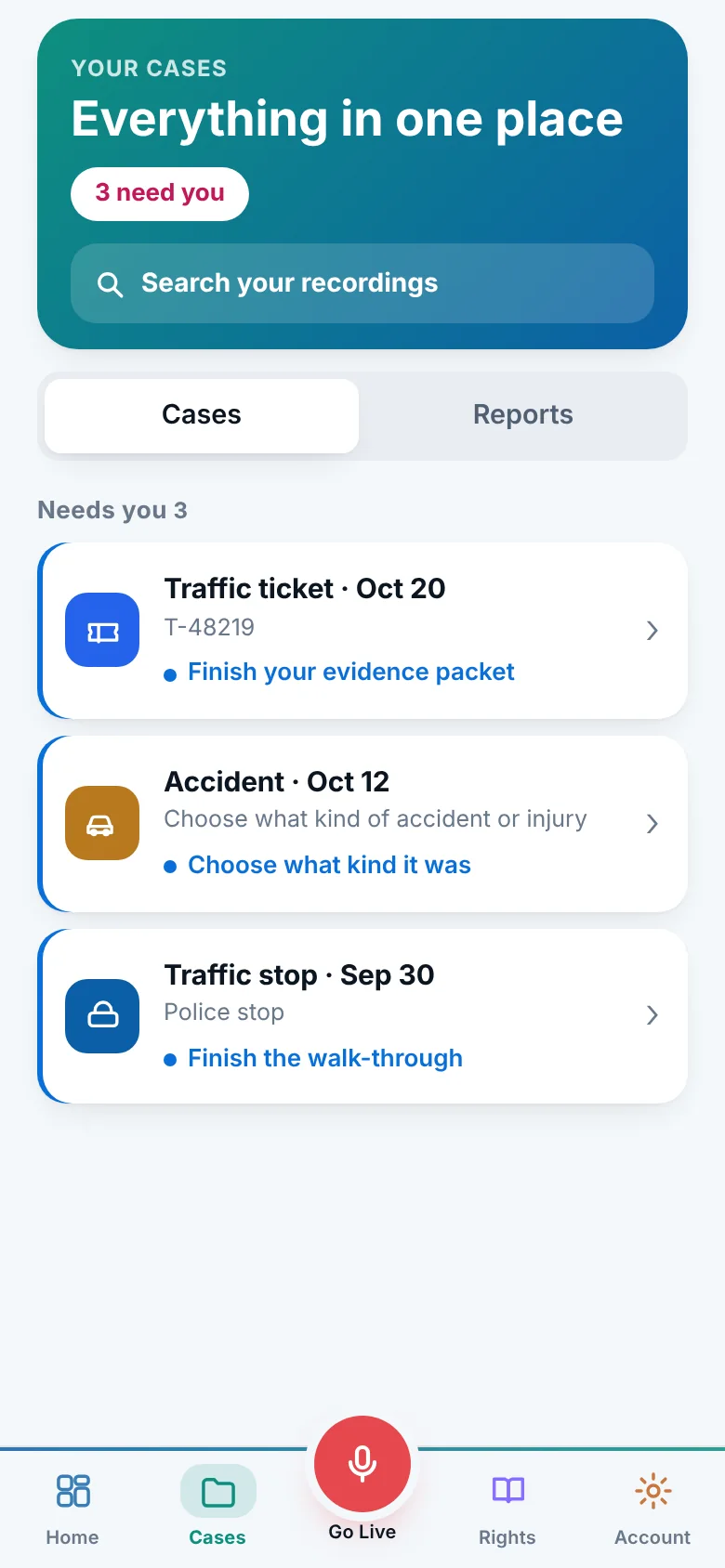
Here is what Invoked does at each stage, and what you do. Nothing in the middle is left to remember.
Set it up once
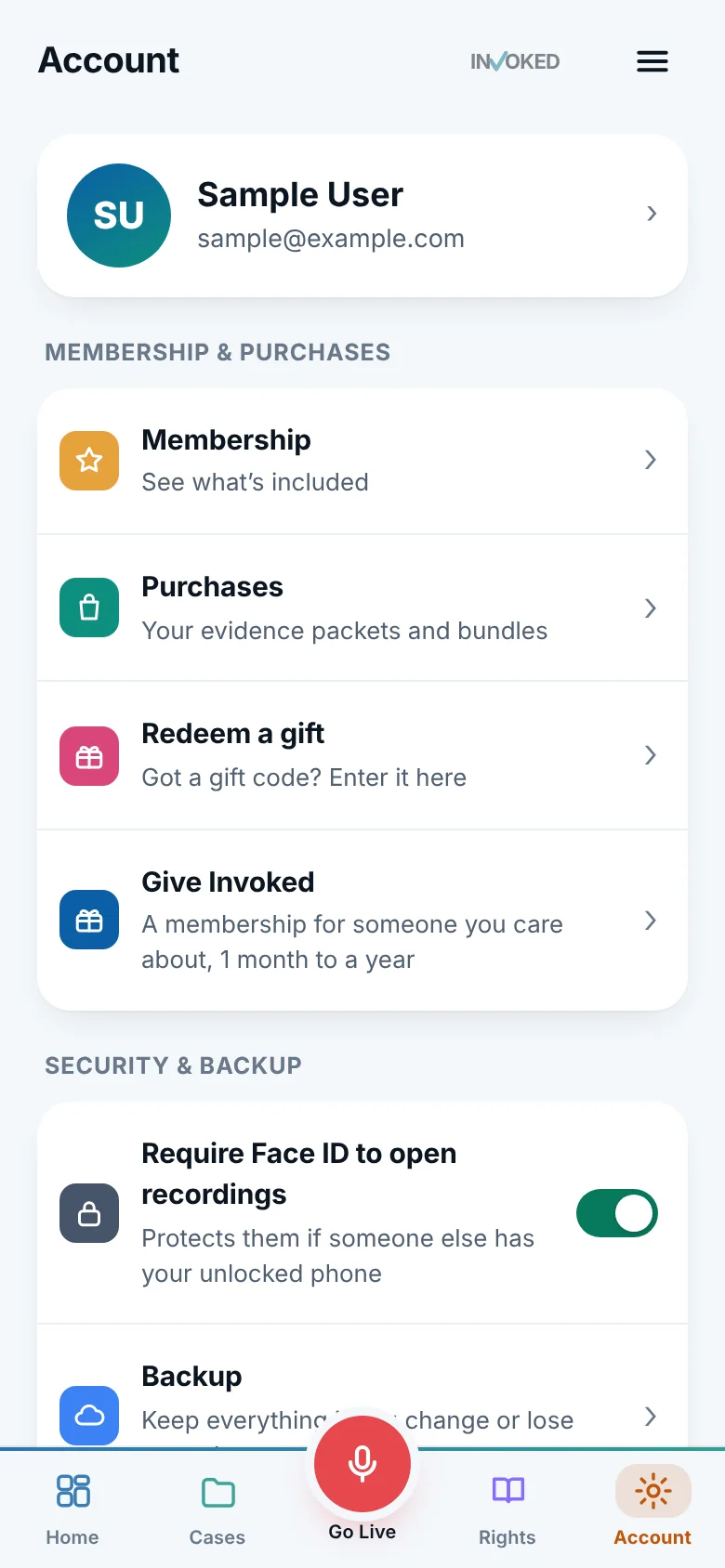
Two minutes: allow the microphone, pick your state, and choose a hands-free way to start. The app walks you through it.
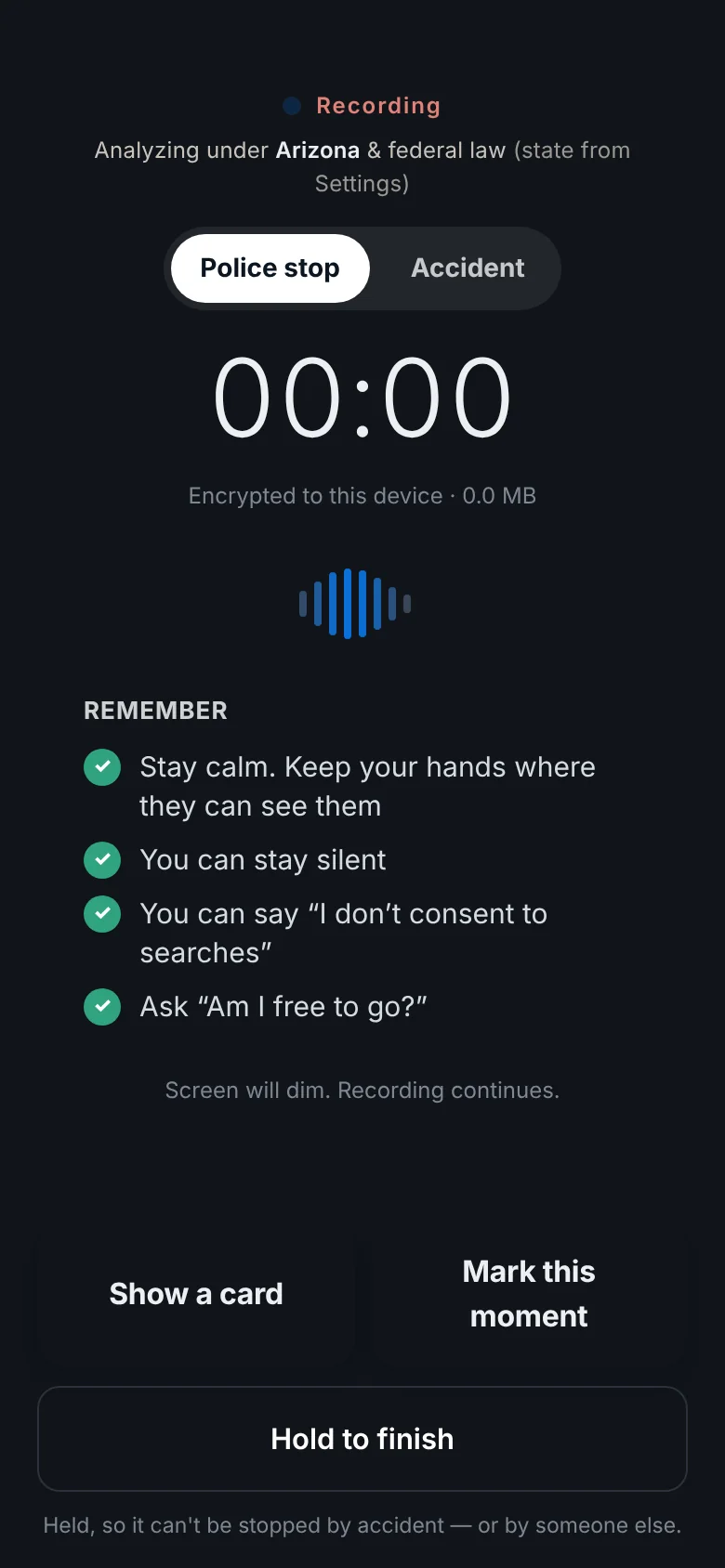
Tap, then stay calm
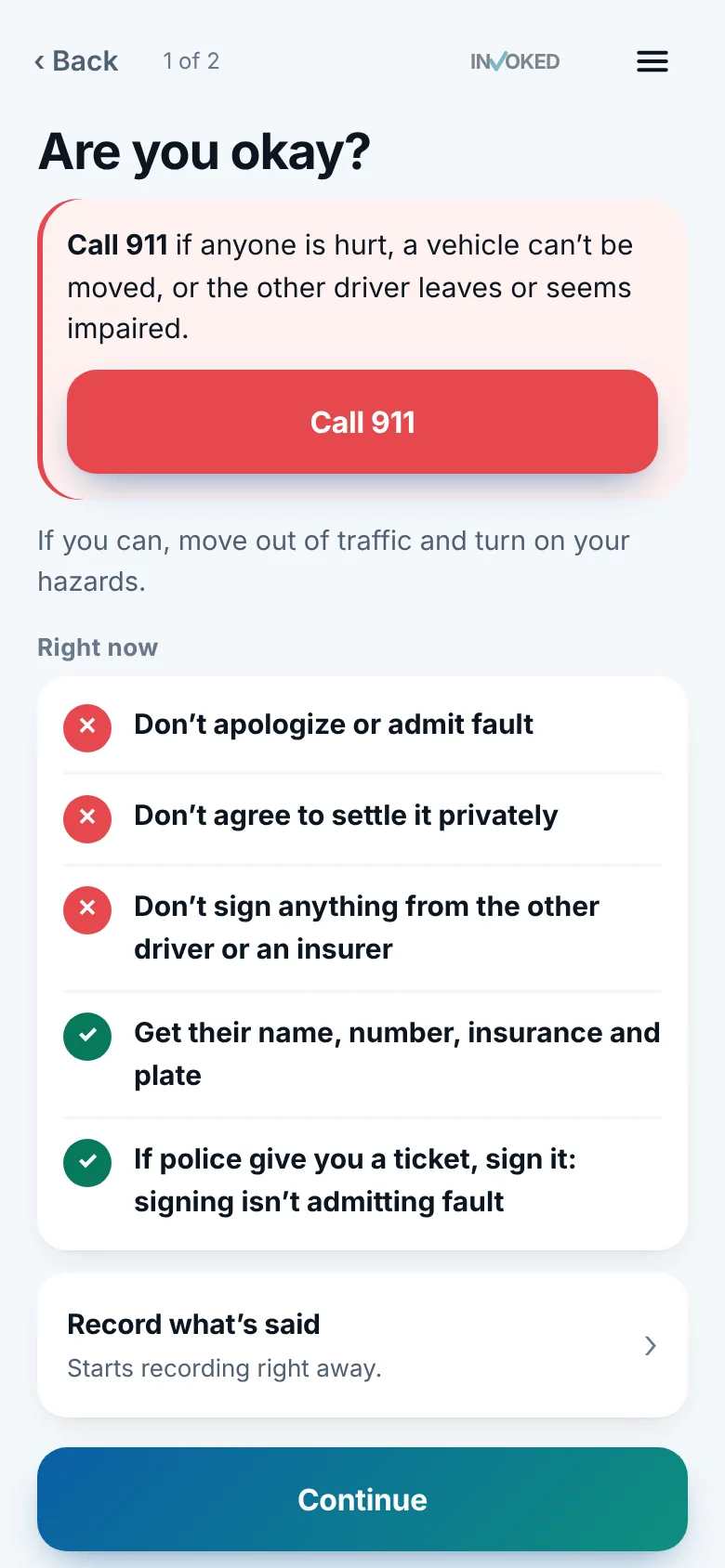
One tap or a word to Siri starts recording. The screen shows reminders and your state’s rules so you don’t have to hold them in your head.
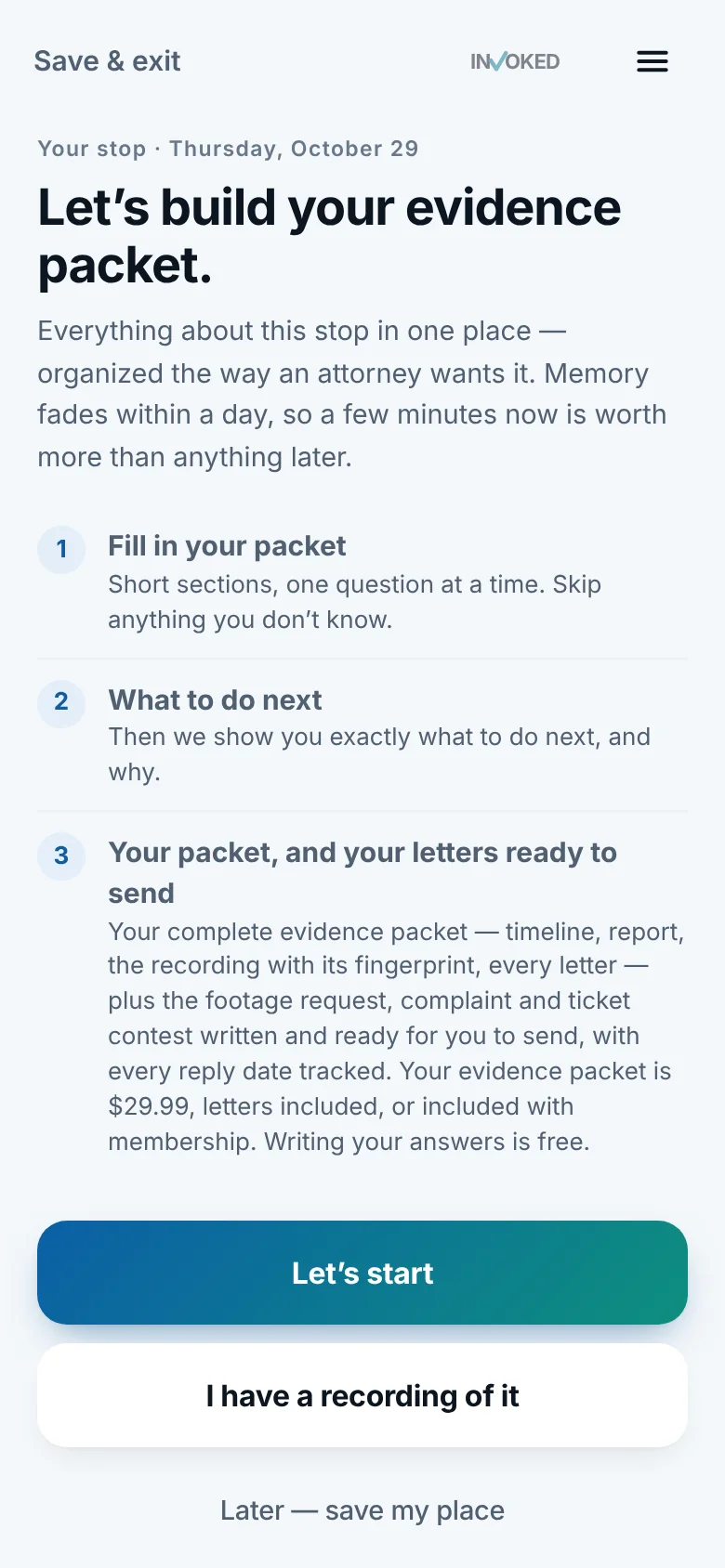
Say what happened
A few short questions, one at a time, while memory is fresh. Skip anything you don’t know.
Read the findings
Sentinel points out the moments an attorney will ask about, with the exact words and times.
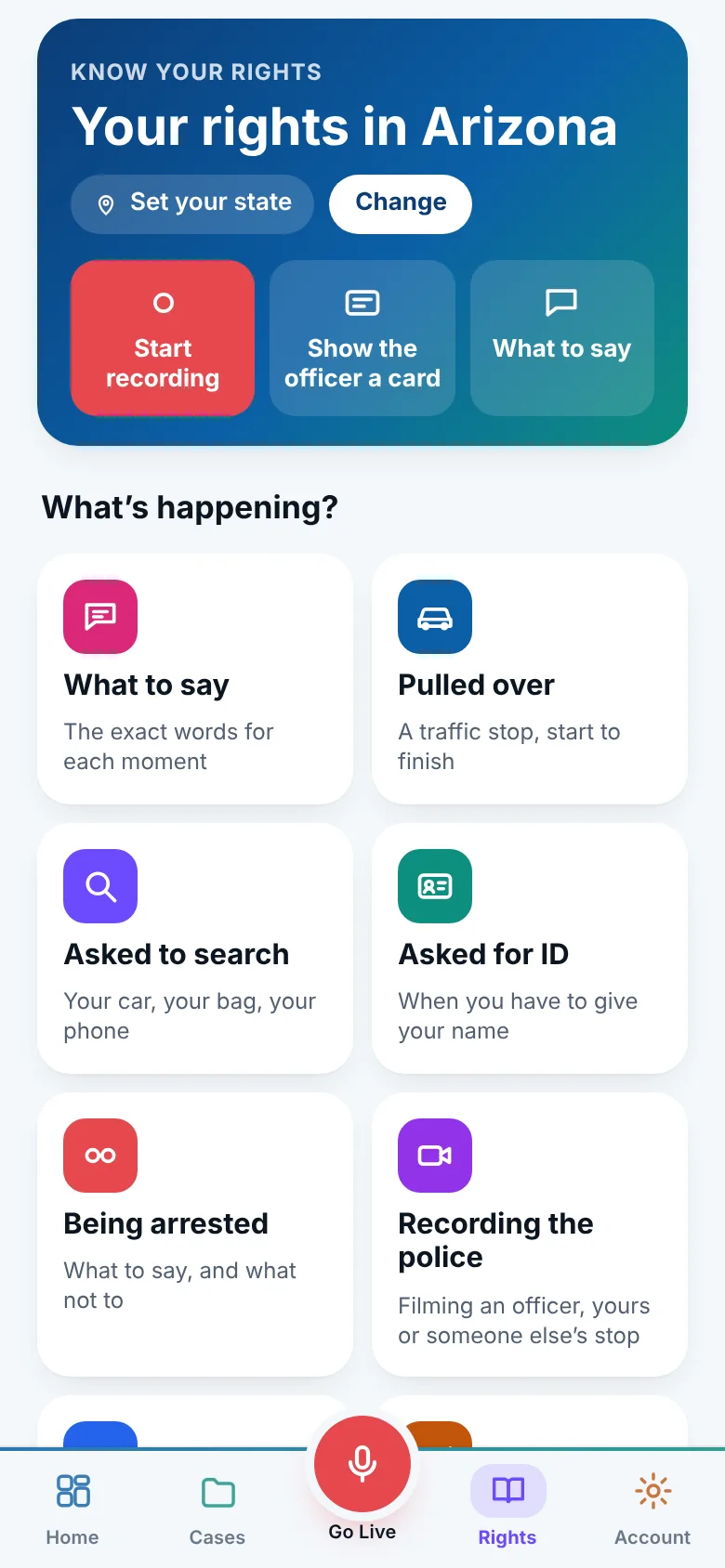
Send what needs sending
Footage requests, complaints, ticket contests and preservation letters, written for you. You send them. Dates are tracked.
Talk to an attorney
See the best fits with their fee up front, and share your packet so the first call starts from organized facts.
The things that stay the same
Whatever happens, three promises hold.
You keep the recording
Every recording is yours, free, and stays on your phone unless you choose otherwise.
You send everything
Invoked drafts. It never files, sends or posts anything for you.
It isn’t legal advice
It points out what may matter. For advice, it connects you with an attorney.
Go deeper
Recording
Start recording with one tap, Siri, the Action Button or the Lock Screen. Invoked keeps recording with the screen off and encrypts it on your phone.
Learn moreSentinel
Sentinel reads your police-stop and crash recordings, with your permission, and flags moments an attorney may ask about, with the exact words and times.
Learn moreEvidence packet
Invoked builds an evidence packet from your recording, answers, photos and notes: a timeline, findings and letters, organized the way an attorney wants it.
Learn moreThe app we hope you never need.
It takes two minutes to set up, and it’s there the moment you do.
Already have it? Sign in on the web.