Start recording without unlocking your phone.
In a stop, you don’t want to hunt for an app. Set up one or two of these once, and practice it while you’re parked.
Siri
Say a phrase and Invoked starts. Works from a locked phone and with AirPods.
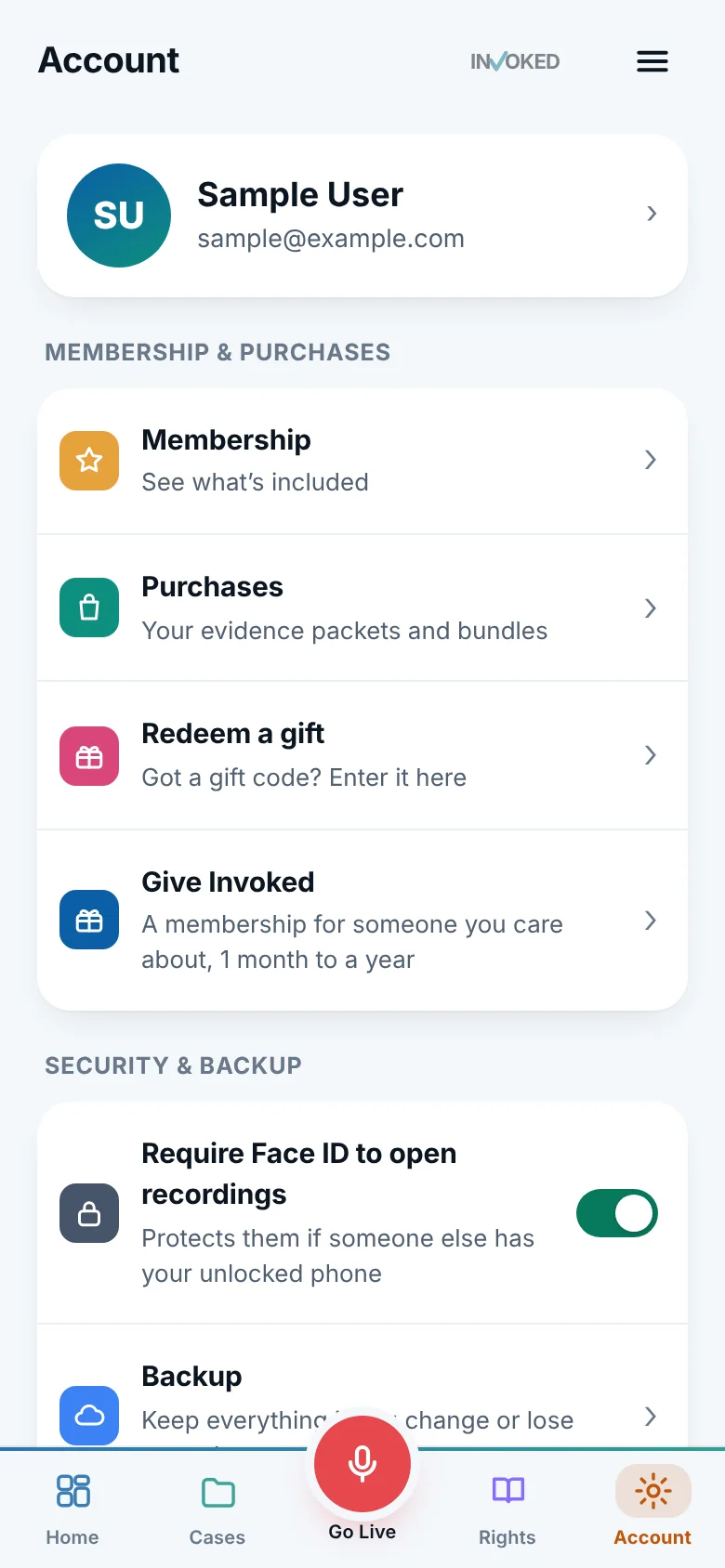
In the app: Account › Faster start.
Action Button
On iPhones that have one, press and hold to start recording.
In the app: Account › Faster start.
Lock Screen control
A button on your Lock Screen that starts recording in one tap.
In the app: Account › Faster start.
Back Tap
Double or triple tap the back of the phone to start.
In the app: Account › Faster start.
Apple Watch
Start from your wrist when your phone is out of reach.
In the app: Account › Faster start.
The big red button
If the app is open, Go Live is one tap away in the middle of the tab bar.
Always there.
Make it automatic
The app walks you through each option in Account › Faster start. Try the one you picked while you’re parked, with the screen locked, so your hand knows what to do.
- Choose two ways, in case one is awkward in the moment
- Practice once with the screen locked
- Keep a charger in the car
- Tell the people you drive with how to start it
The app we hope you never need.
It takes two minutes to set up, and it’s there the moment you do.
Already have it? Sign in on the web.